引言
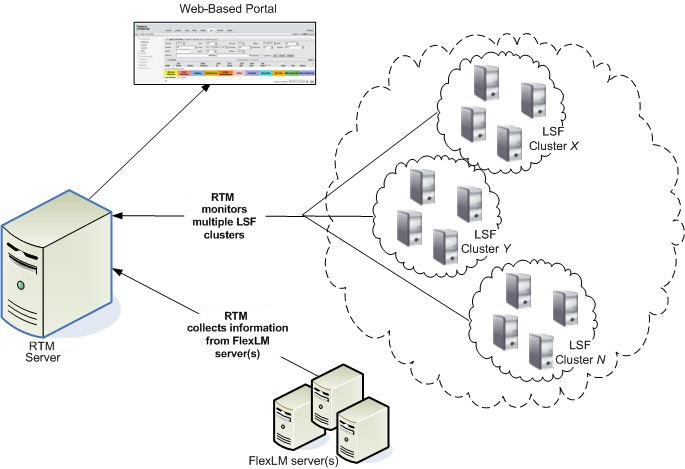
IBM Spectrum LSF 实时监控(RTM)是一个监控工具,它为计算环境中的工作负载报告和管理提供了一个仪表板。本指南概述了在 CentOS 7.9 系统上安装 IBM Spectrum LSF RTM 的步骤。
前提条件
- 确保系统满足 RTM 版本所需的系统规格。
- 获得安装的系统上管理员权限。
安装步骤
准备系统
验证您的系统满足软件依赖性和系统要求。本文以CentOS 7.9作为实验环境。 安装所有必需的软件包,包括 PHP、Cacti 和如 MariaDB 数据库系统的特定版本。
1
2
yum install bash chkconfig chrony coreutils gd httpd initscripts libnsl mariadb mariadb-connector-odbc mariadb-server mod_ssl perl php php-common php-gd php-json php-ldap php-mbstring php-mysqlnd php-process php-xml python3-pexpect python3-pyOpenSSL rrdtool rsyslog rsyslog-mysql shadow-utils unixODBC
下载安装包
从 IBM Passport Advantage 网站下载 IBM Spectrum LSF RTM 安装包。
1
2
3
[root@icinfra-cn-172-16-0-118-lsf-rtm rtm]# ls -1 rtm*tar.gz
rtm-server-10.2.0-rhel7-x64.tar.gz
rtm-poller-10.2.0-rhel7-x64.tar.gz
确保您下载的版本与操作系统的架构相匹配。
1
2
rpm -e --allmatches --nodeps unixODBC mysql-connector-odbc
yum install unixODBC.x86_64 mysql-connector-odbc
解压安装包
使用 tar 或类似工具将安装包解压到指定目录。
1
2
3
4
5
6
systemctl stop mariadb
rm -f /var/lib/mysql/ib_logfile*

mkdir -p /mnt/rtm
cd /mnt/rtm
tar zxf rtm-server-10.2.0-rhel(ver)-x64.tar.gz
运行安装脚本
导航到文件解压的目录。
1
2
3
4
5
6
7
8
9
10
cd /mnt/rtm
cat > install.config << EOF
RTM_TOP=/opt/IBM
RTM_PACKAGEDIR=./
NON_GPGCHECK='Y'
DAEMON_USER='apache'
DAEMON_GROUP='apache'
LSF_CLUSTERS=1010:7869:N:icinfra-cn-cluster-01@icinfra-cn-172-16-0-116-lsf-master-01
EOF
sh rtm_install.sh -f install.config
其中,LSF_CLUSTERS 请按照实际情况填写,如集群名字与master名字。
验证安装
通过网页浏览器访问 http://

可能的原因有多个,如,
- https://www.ibm.com/support/pages/cluster-collect-status-down-or-diminished or,
- https://www.ibm.com/support/pages/collect-status-diminished-lsf-cluster-ibm-platform-rtm or,
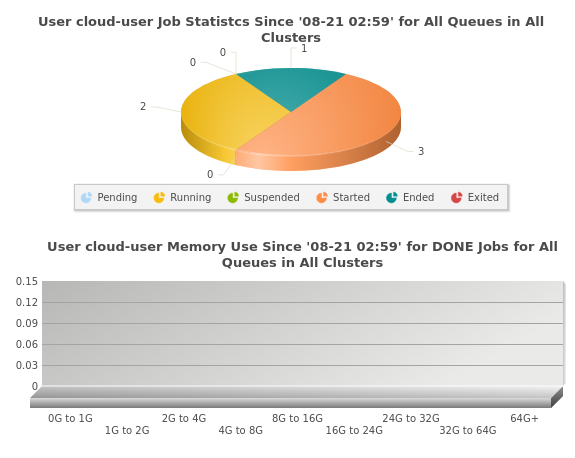
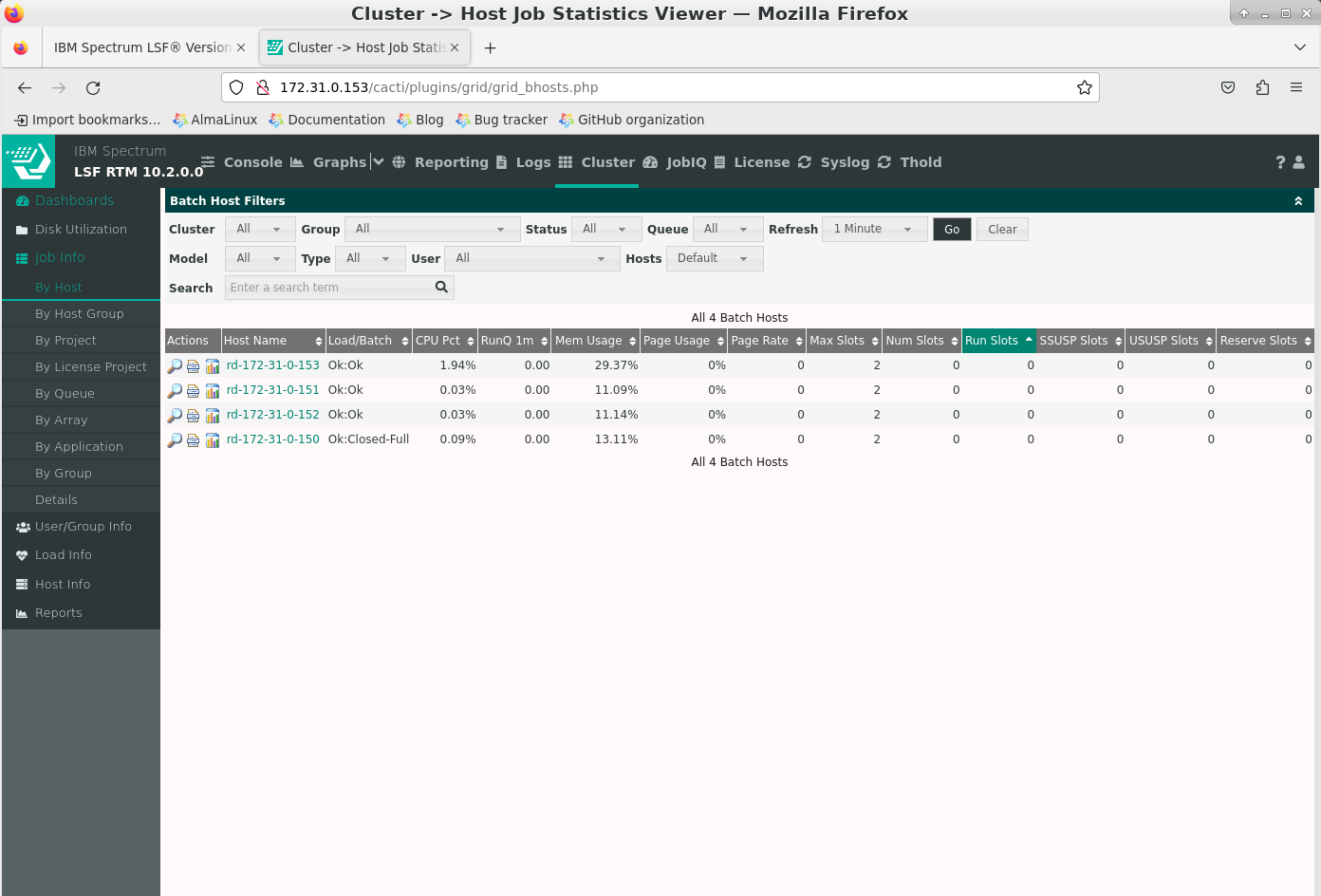
- https://www.ibm.com/support/pages/lsf-cluster-status-shows-diminished-rtm-after-running-fine-while or, RTM host未以client身份加入到被监控集群。则应将RTM host以client身份加入被监控集群,并reconfigure集群。 验证 RTM 是否与您的 LSF 集群有效通信并显示实时数据。
管理密码重置
To reset your Platform RTM password, you can: Find your Platform RTM user name using the command
1
mysql -u root cacti -e "SELECT * FROM user_auth"
Update the password for the Platform RTM user using the command
1
mysql -u root cacti -e "UPDATE user_auth SET password=md5('<password you choose>') WHERE id='<id got in step 1>'"
Commit the change to the Platform RTM database using the command
1
mysql -u root cacti -e "COMMIT"